Per-ear gestures
Left and right buds are set separately, so each gesture can do something different on each side.
One brand, a storefront, an earbuds app and a digital wallet. AXAO Technologies sells audio gear, NFC accessories, smart business cards and a digital wallet. I designed the surfaces that sell those products and the apps people use once they own them.
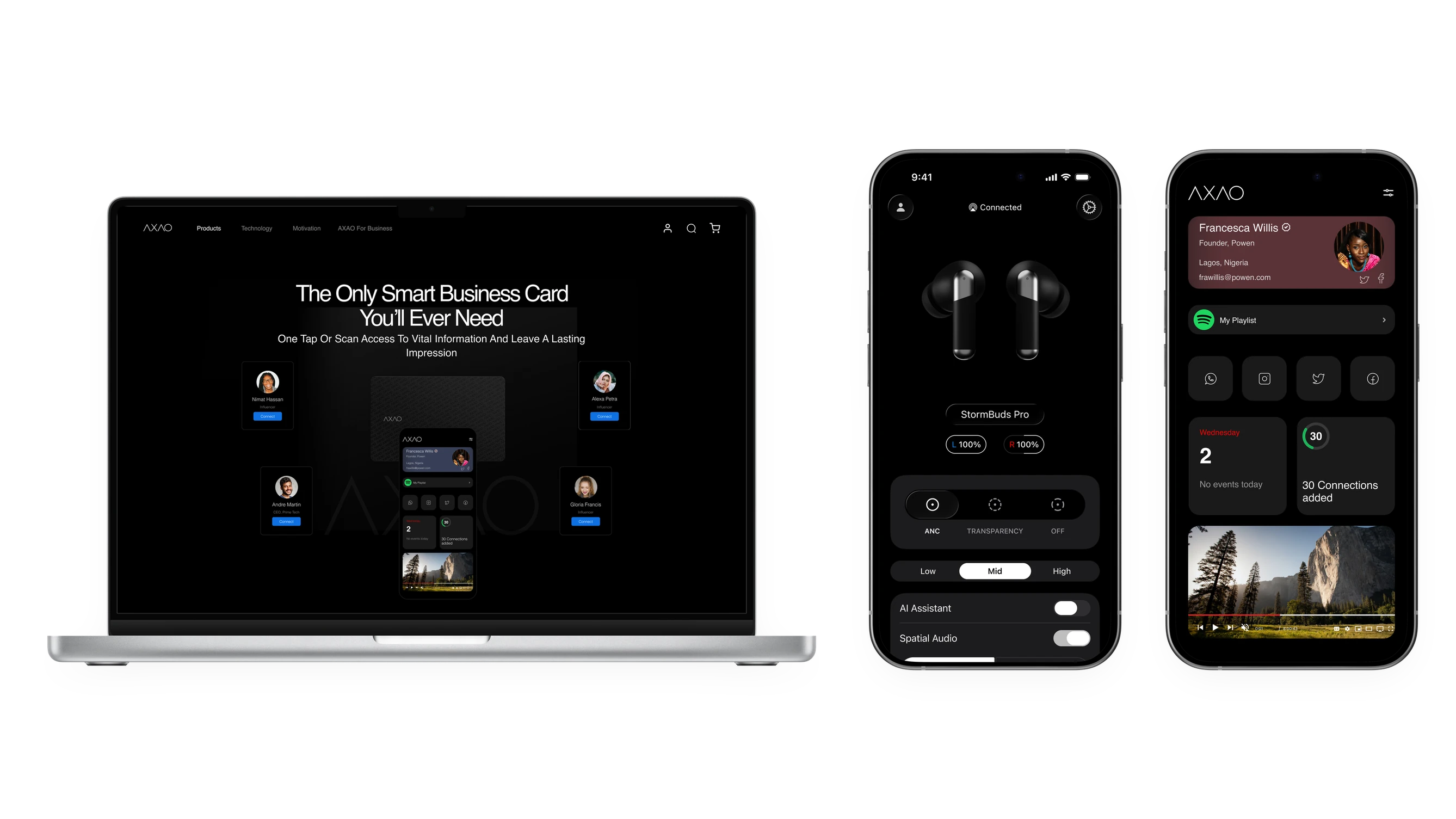
AXAO is one brand with several jobs to do: sell hardware online, take payment, let a team run orders and products, and support the products after purchase. The work covers a storefront with three product landing pages, a checkout with clear success and failure states, an admin portal, a companion app for StormBuds Pro earbuds, and a digital business card and wallet app.
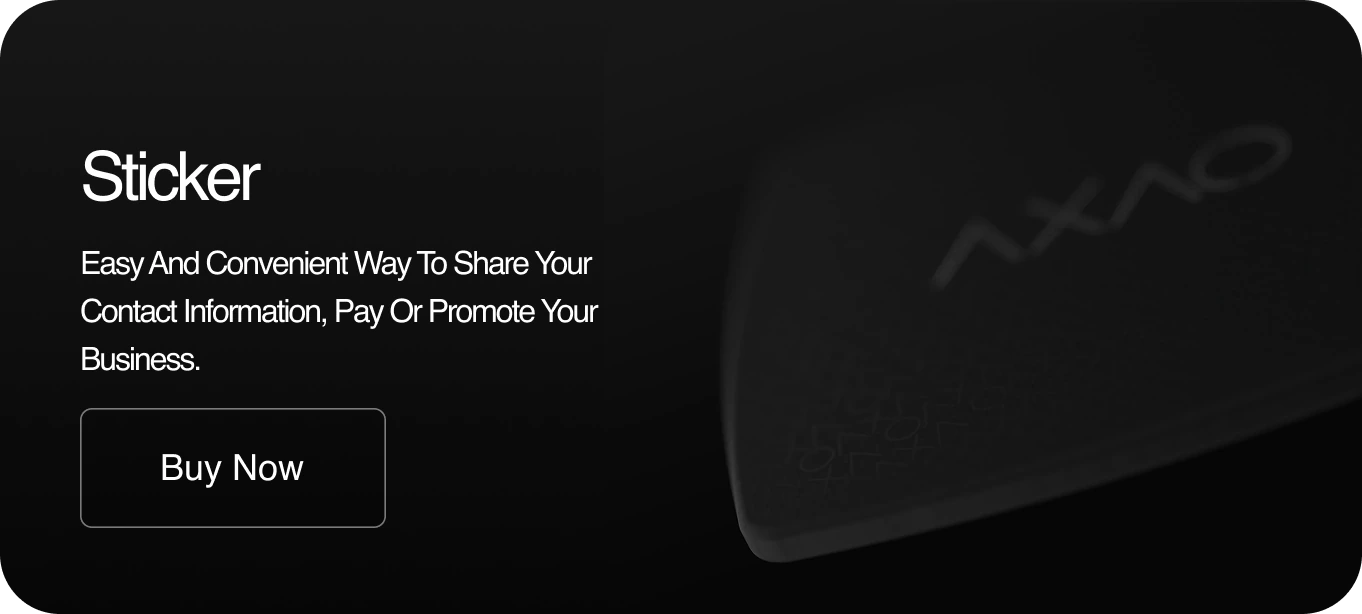
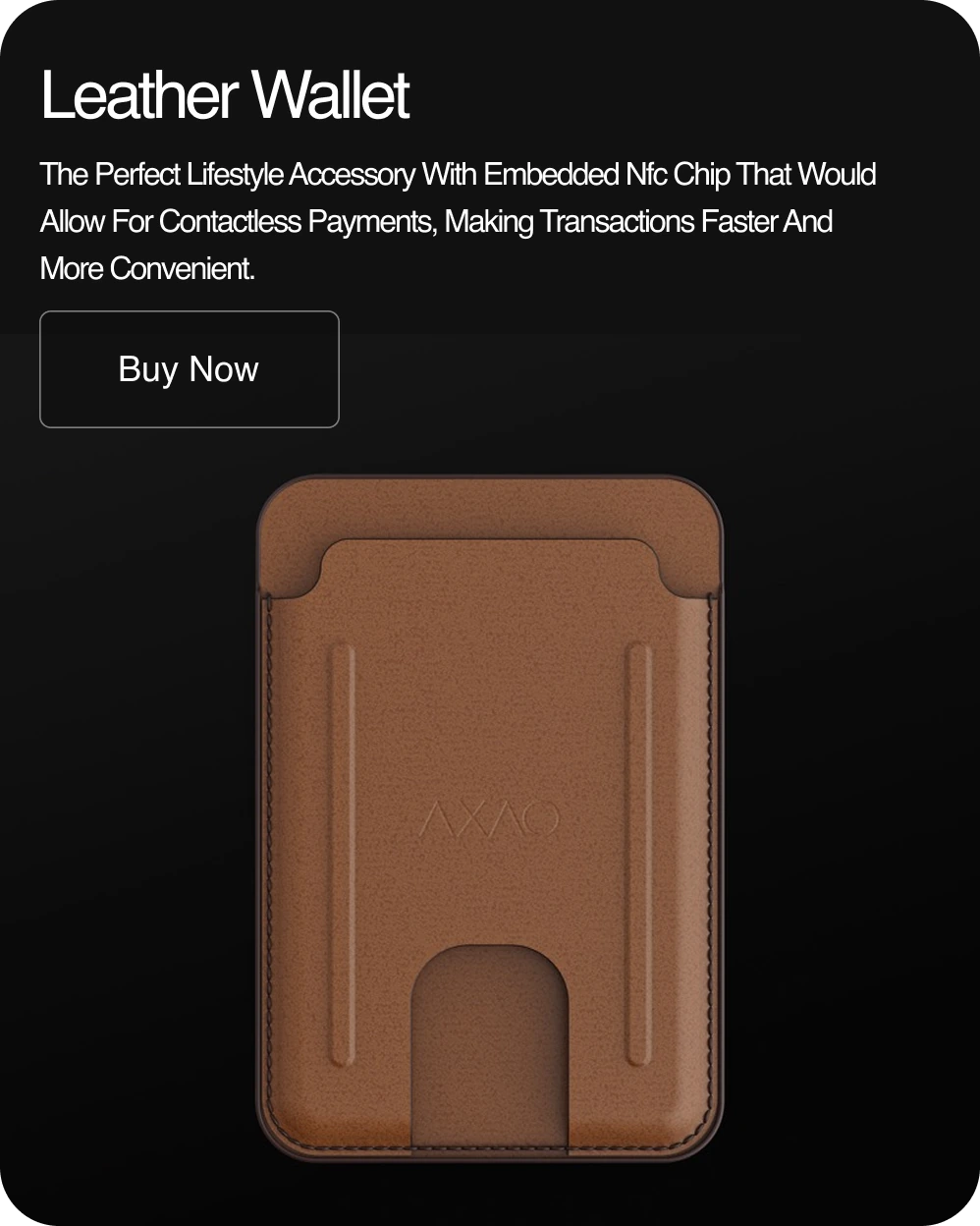
AXAO sells physical products, StormBuds Pro earbuds, an NFC leather wallet, stickers and smart business cards, alongside a digital wallet that holds business cards, payment cards and loyalty cards in one place.
Each product needed somewhere to be sold and, for most of them, somewhere to be used afterwards. The design had to keep one dark, product-first look across a website, an internal admin tool and two mobile apps.
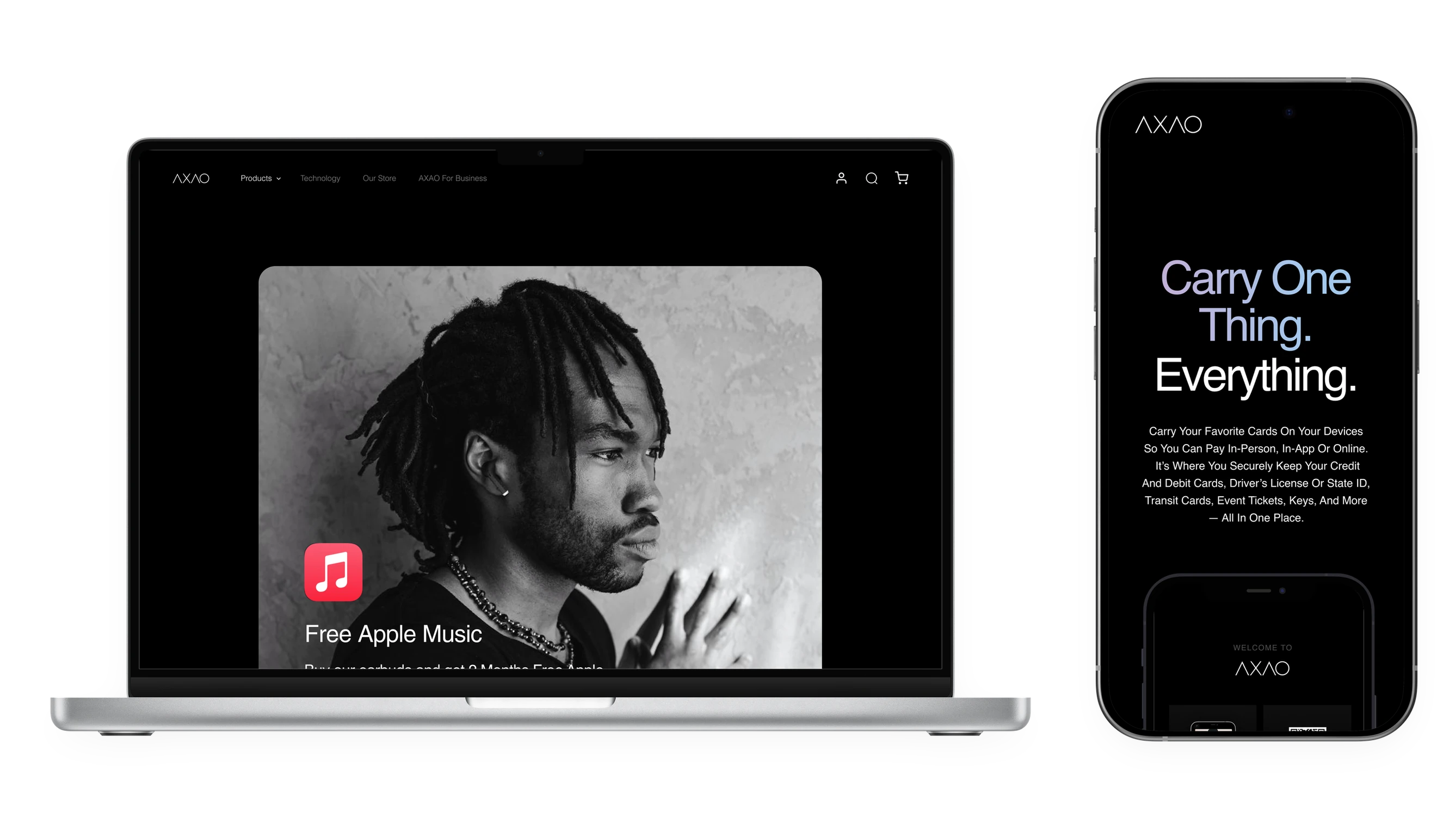
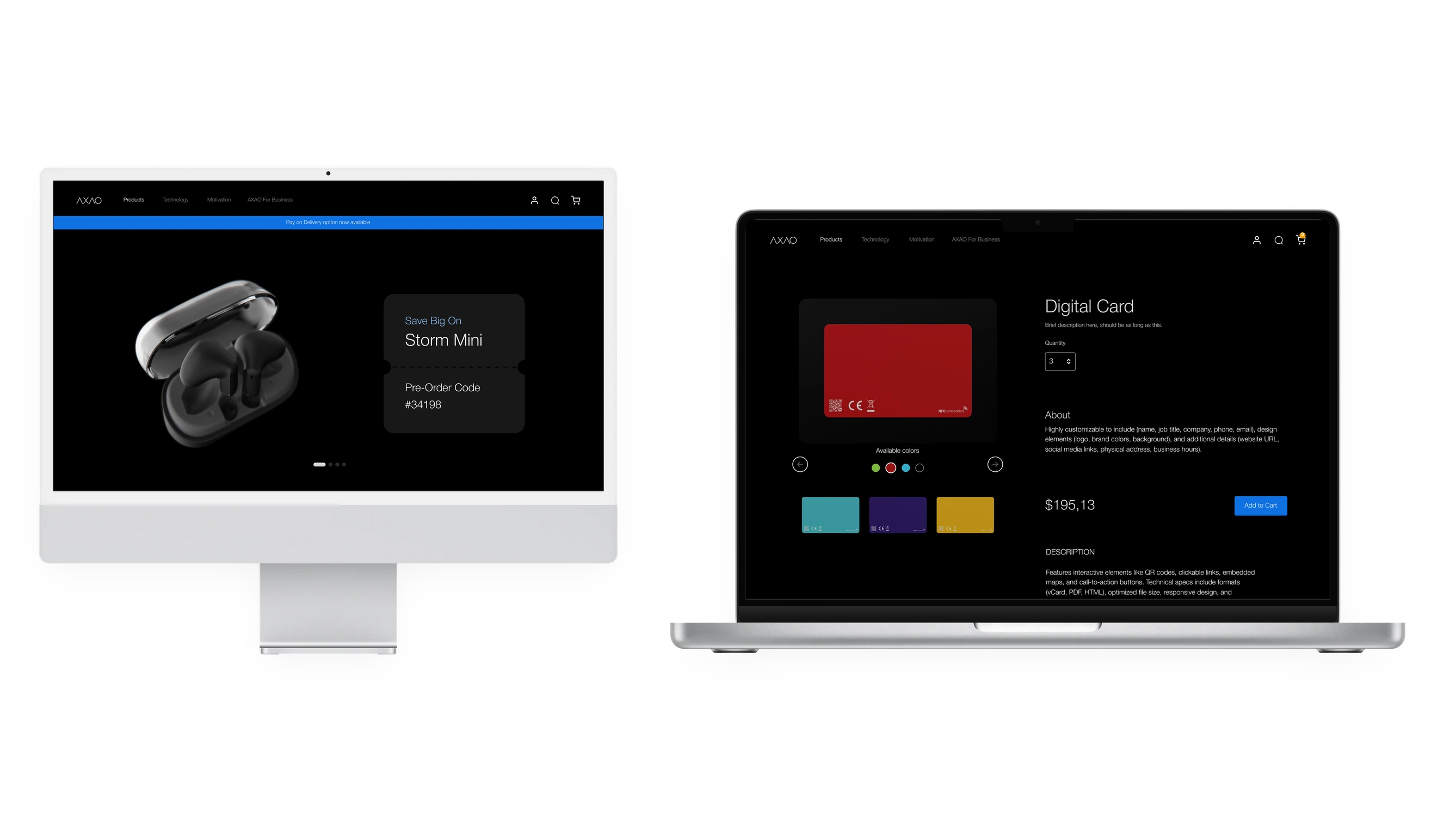
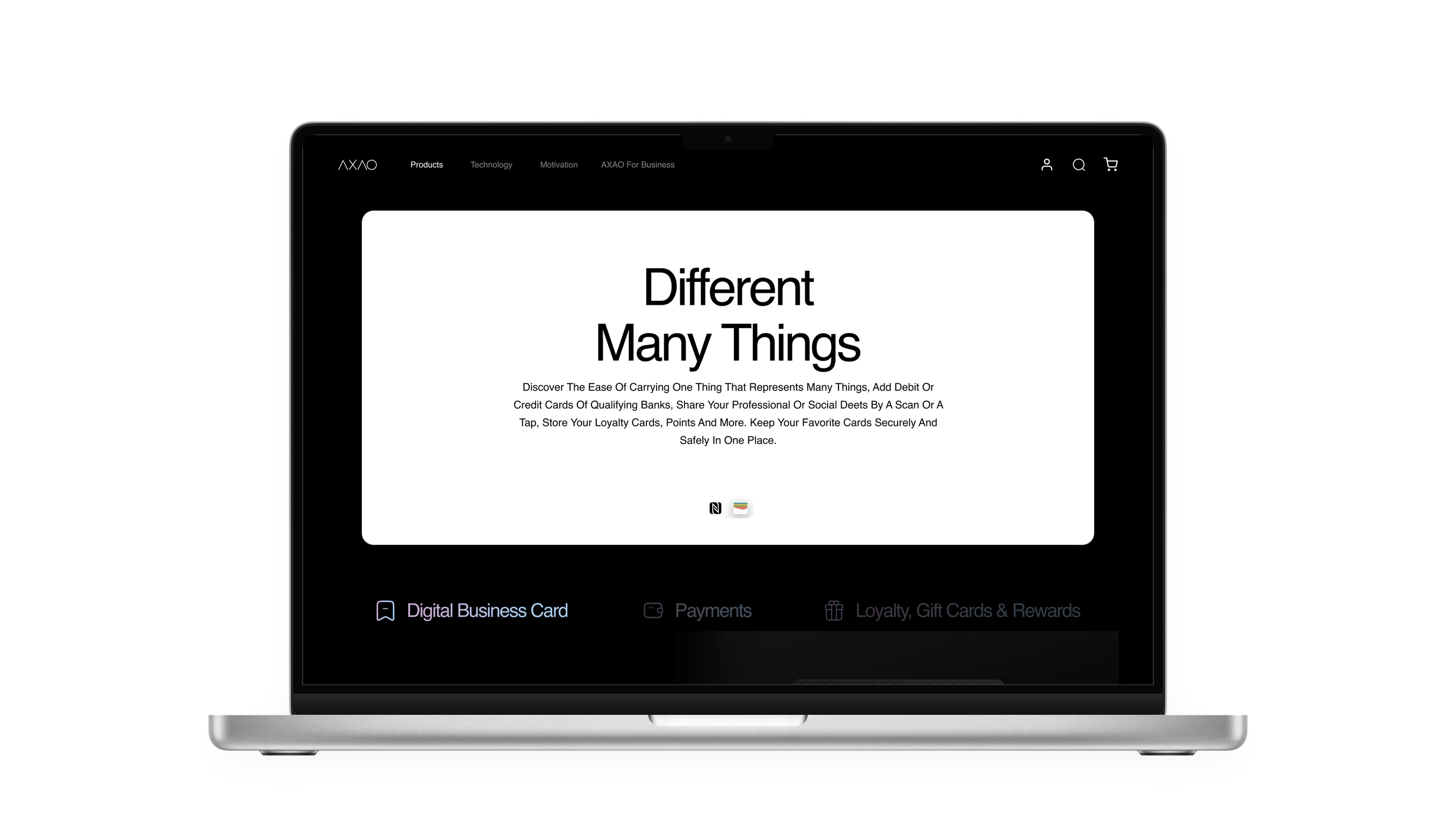
The site leads with the product rather than the catalogue. Each line has its own landing page: audio, the smart business card and the wallet, each with its own headline and visuals, before the shop pages list everything for sale.
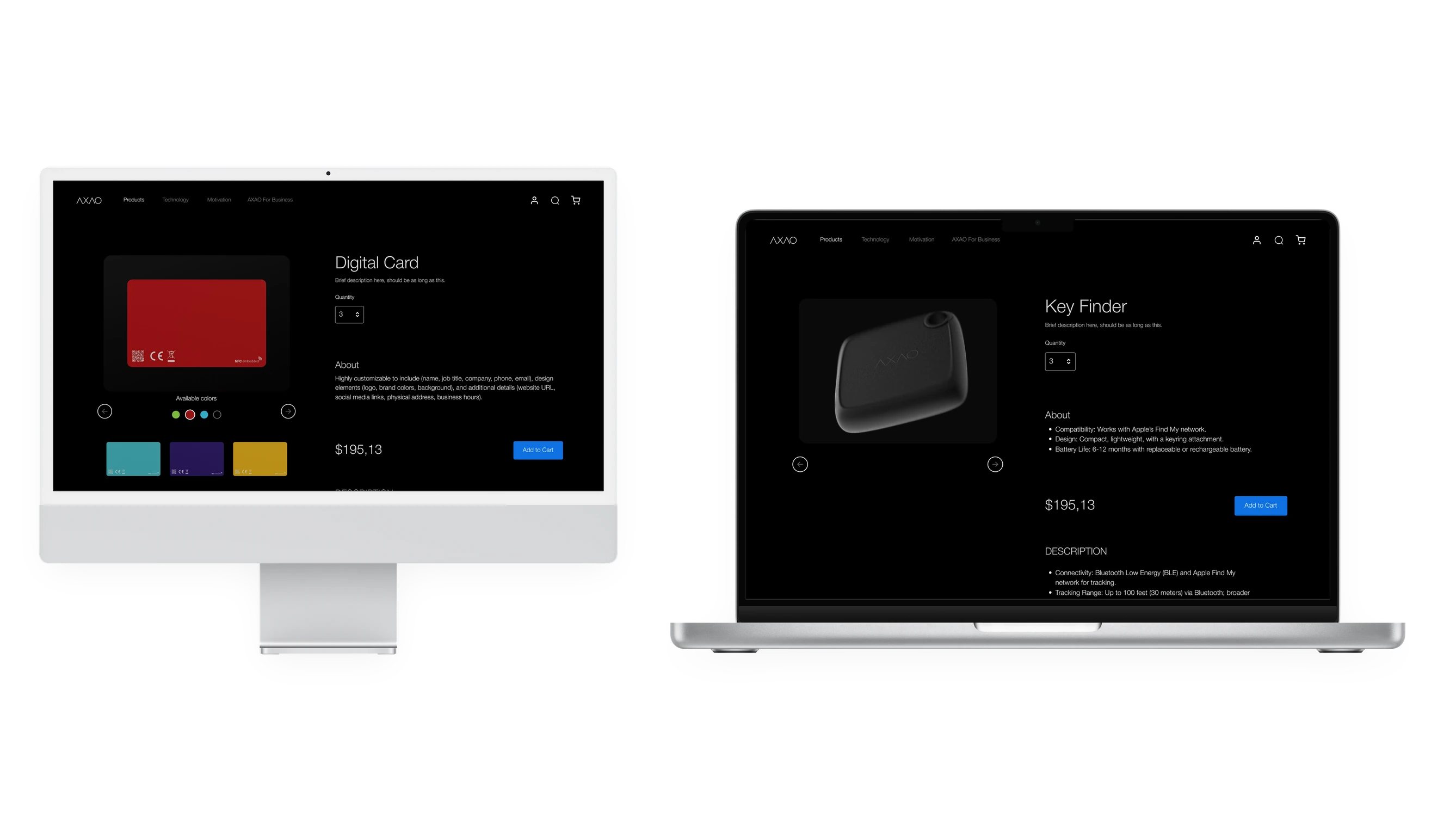
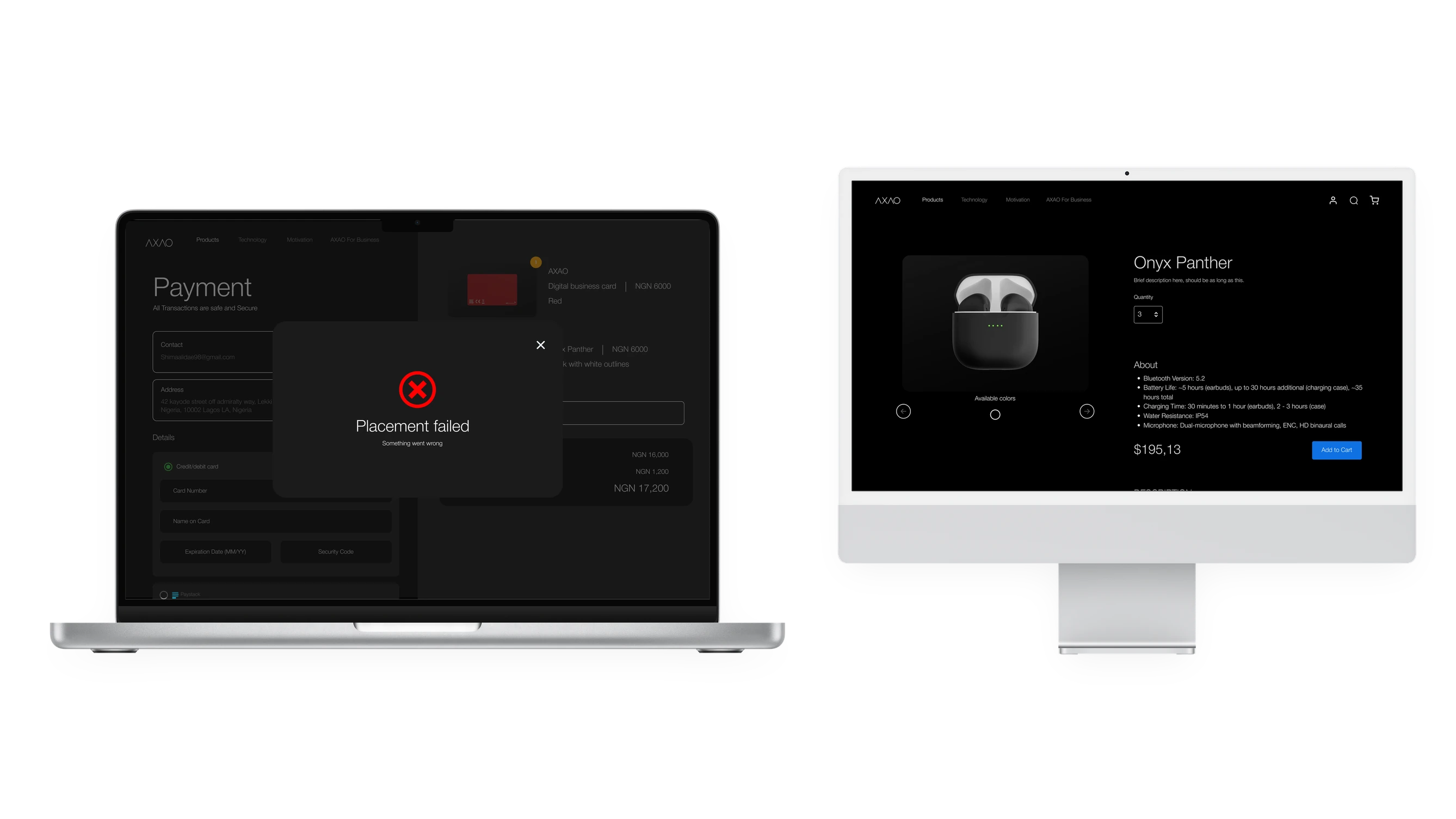
Product pages carry the details a hardware buyer checks before paying, plus related products, so a visit to one item can lead to the accessories that work with it.
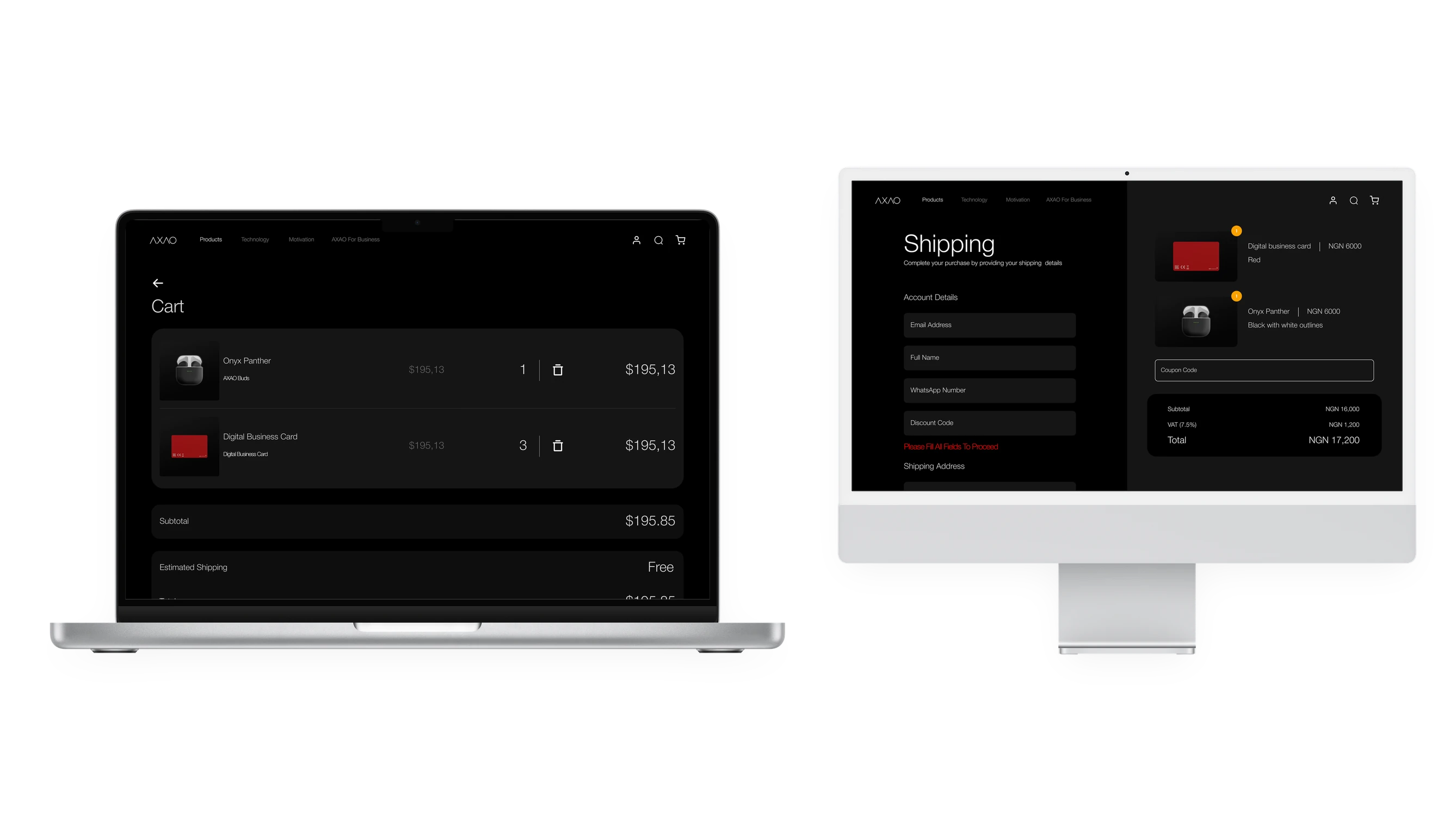
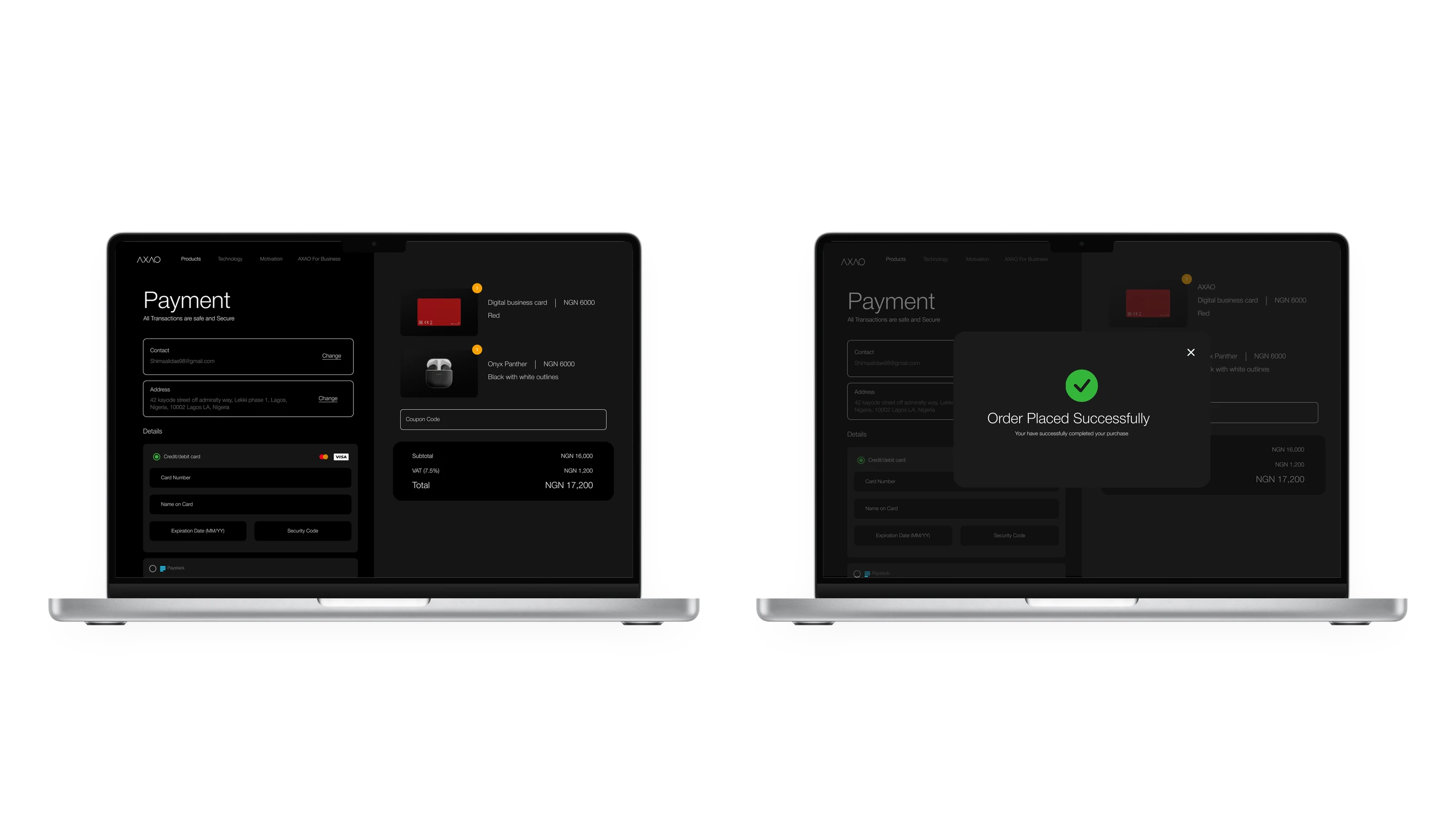
Checkout runs from cart to shipping details to payment. The payment step ends in an explicit result: a confirmation when the order goes through, and a clear failure message when it does not, so a buyer is never left guessing whether they have been charged.
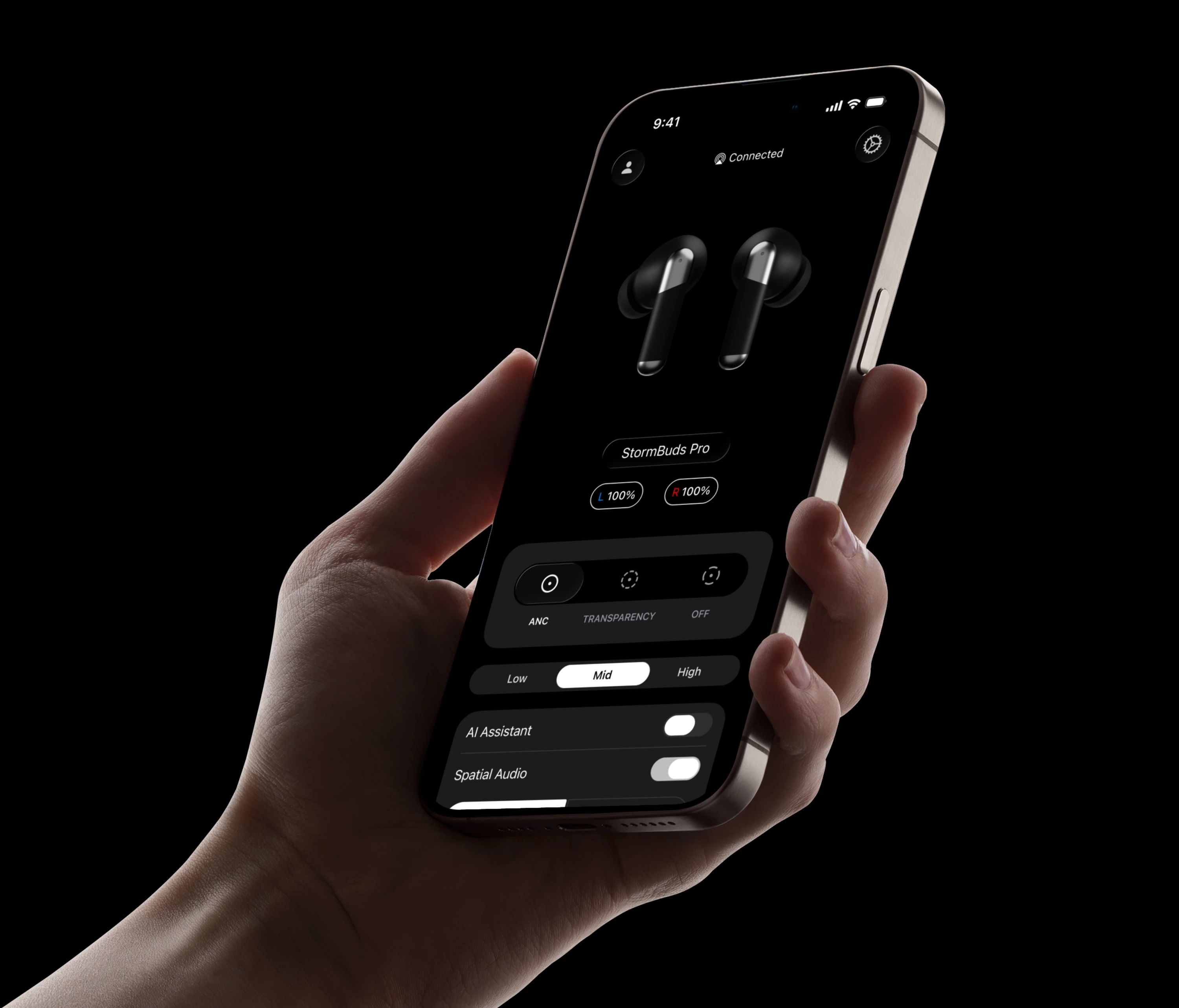
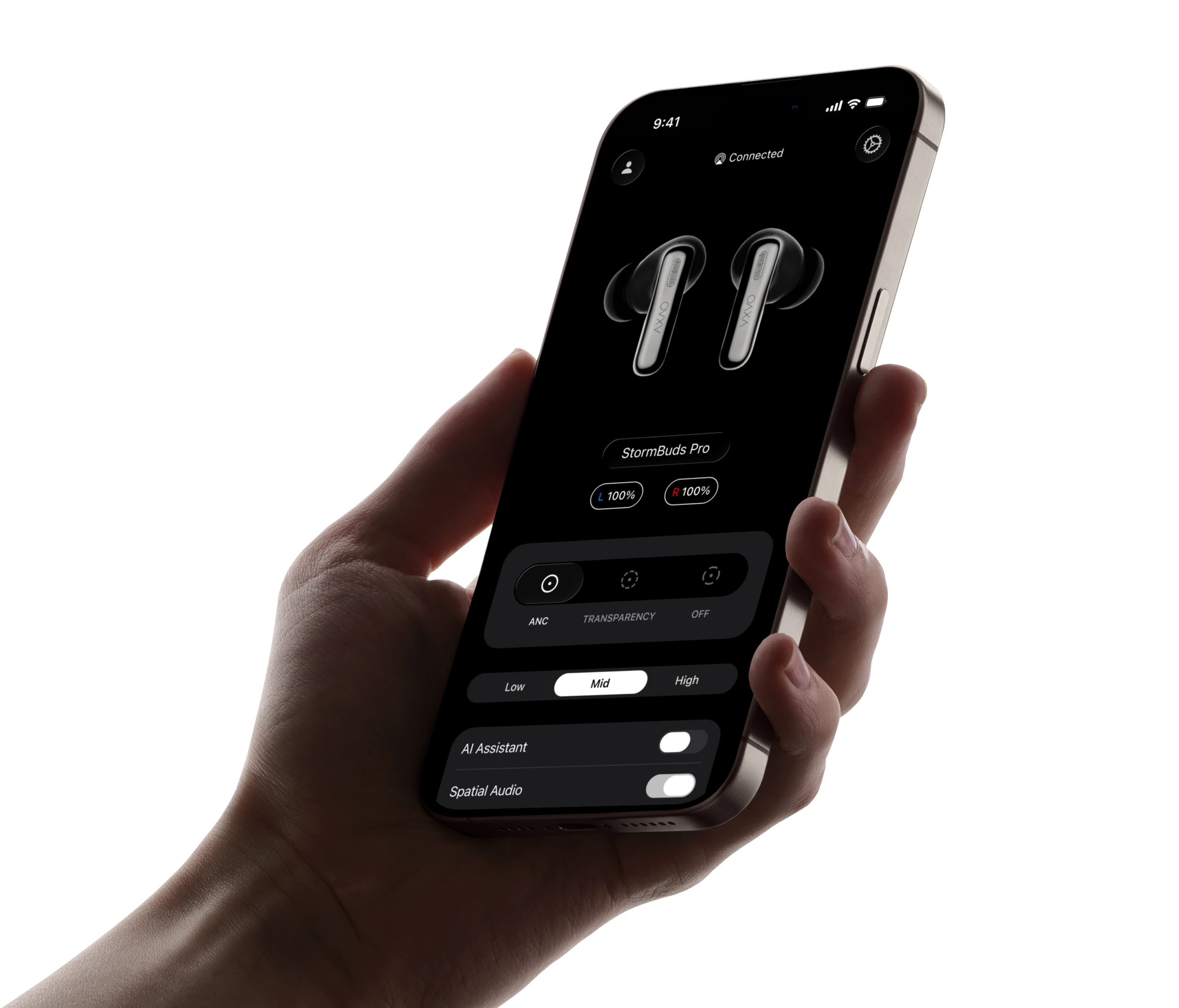
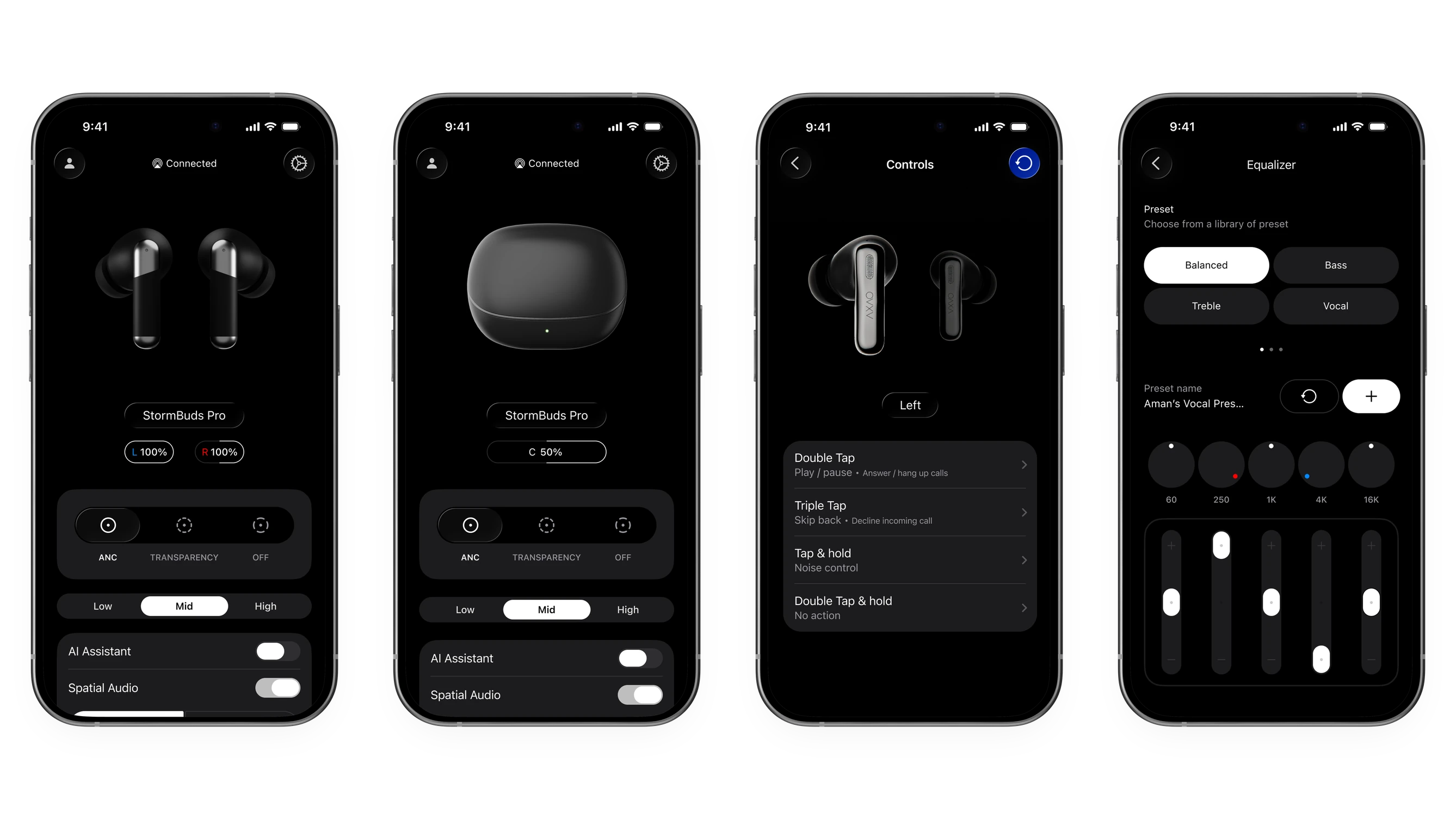
Once the earbuds are paired, the app becomes the control panel. The main screen shows each bud's battery and the noise mode, with switches for the AI assistant and spatial audio.
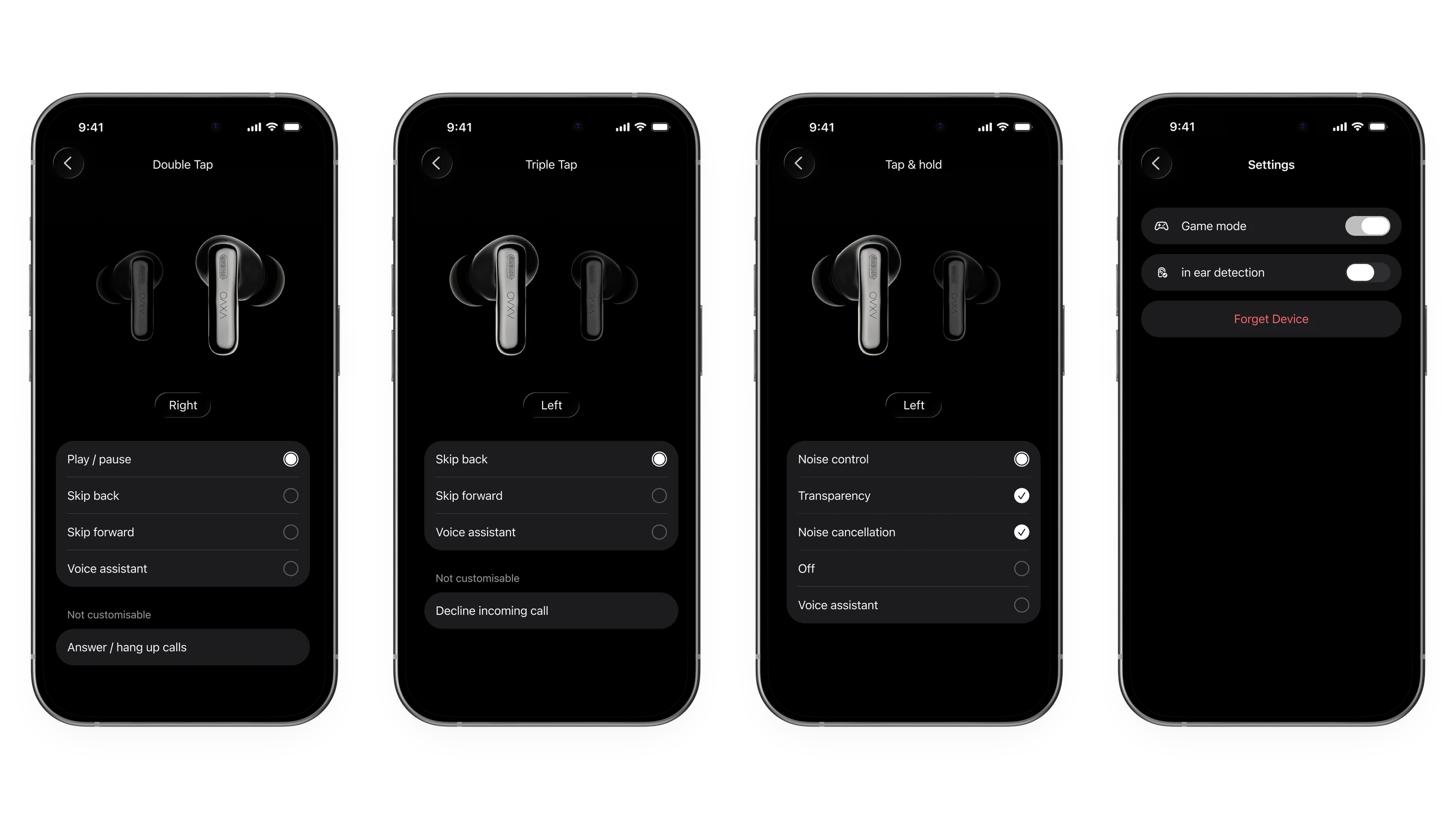
Every gesture can be reassigned per ear: double tap, triple tap and tap and hold each open a short list of actions. An equaliser offers presets and manual bands, and settings cover game mode, in-ear detection and forgetting the device.
Left and right buds are set separately, so each gesture can do something different on each side.
The equaliser starts from named presets, with manual bands for people who want them.
Battery, noise mode and the main switches sit on a single screen.
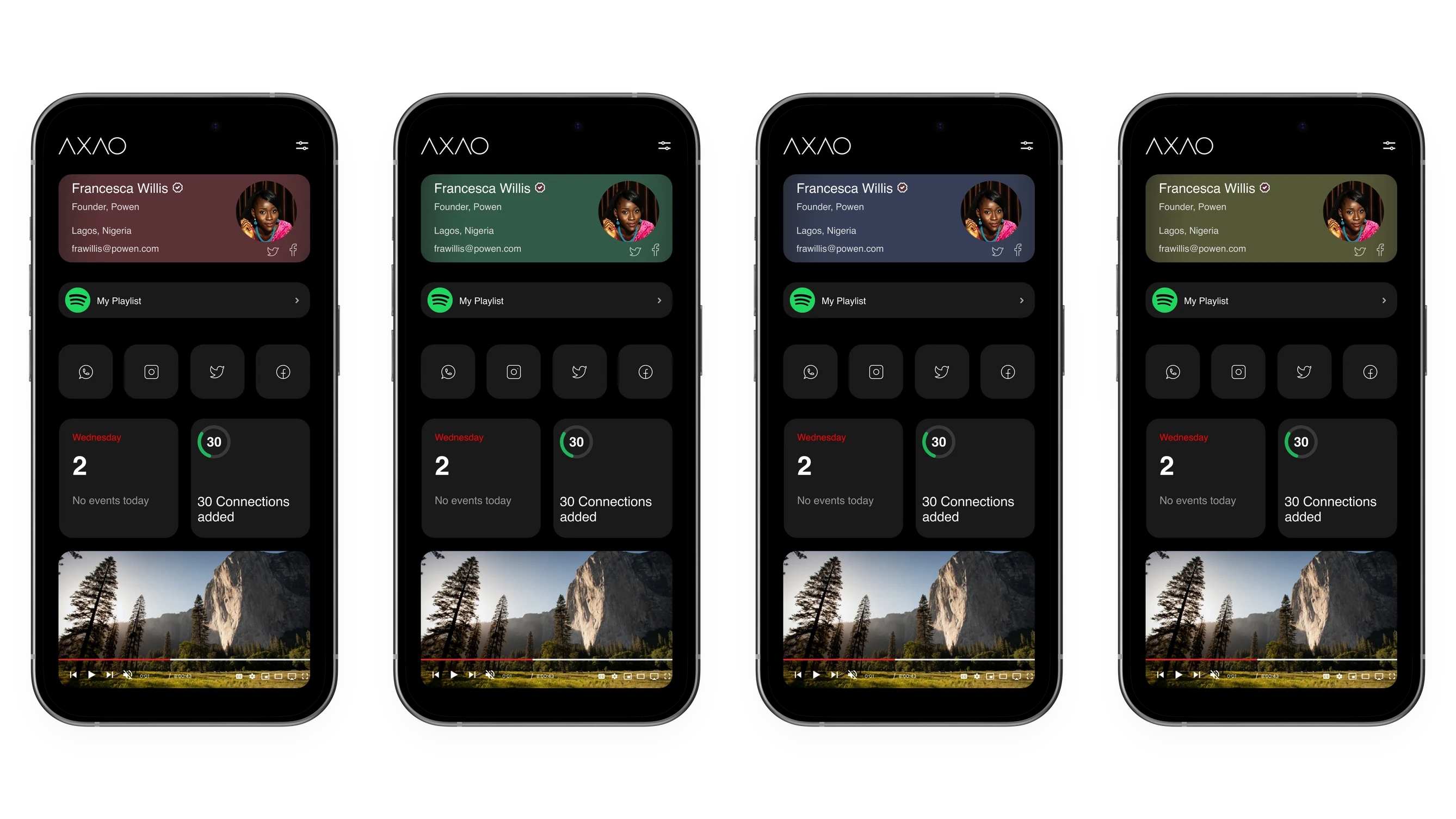
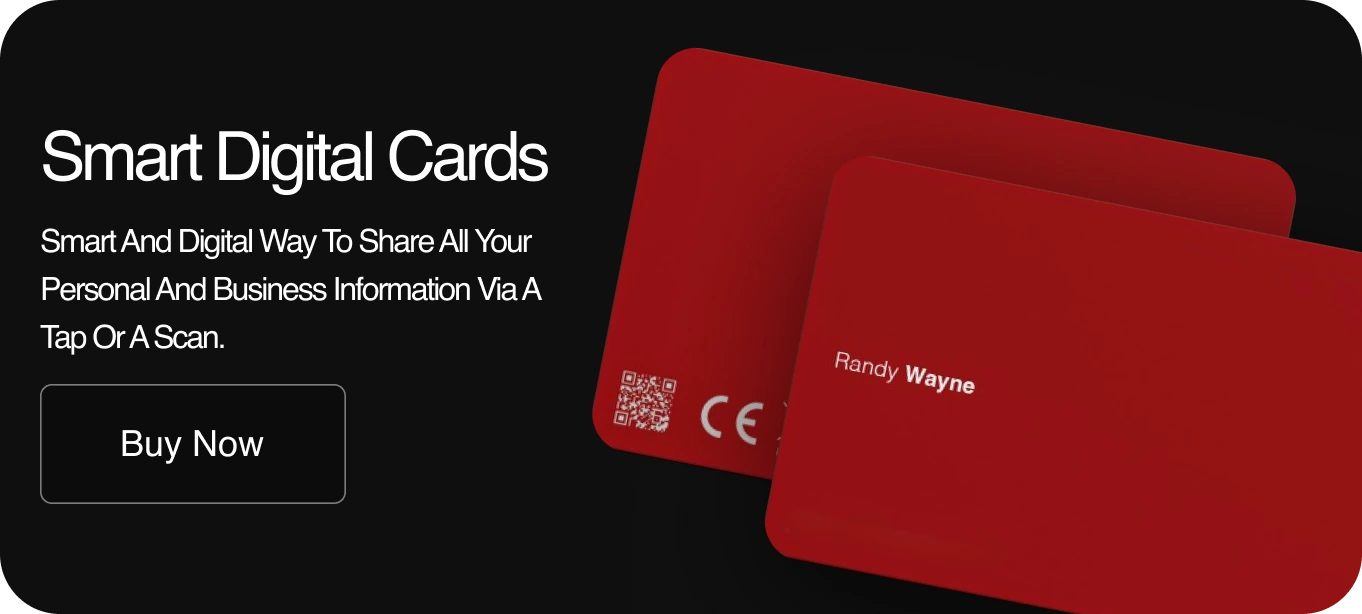
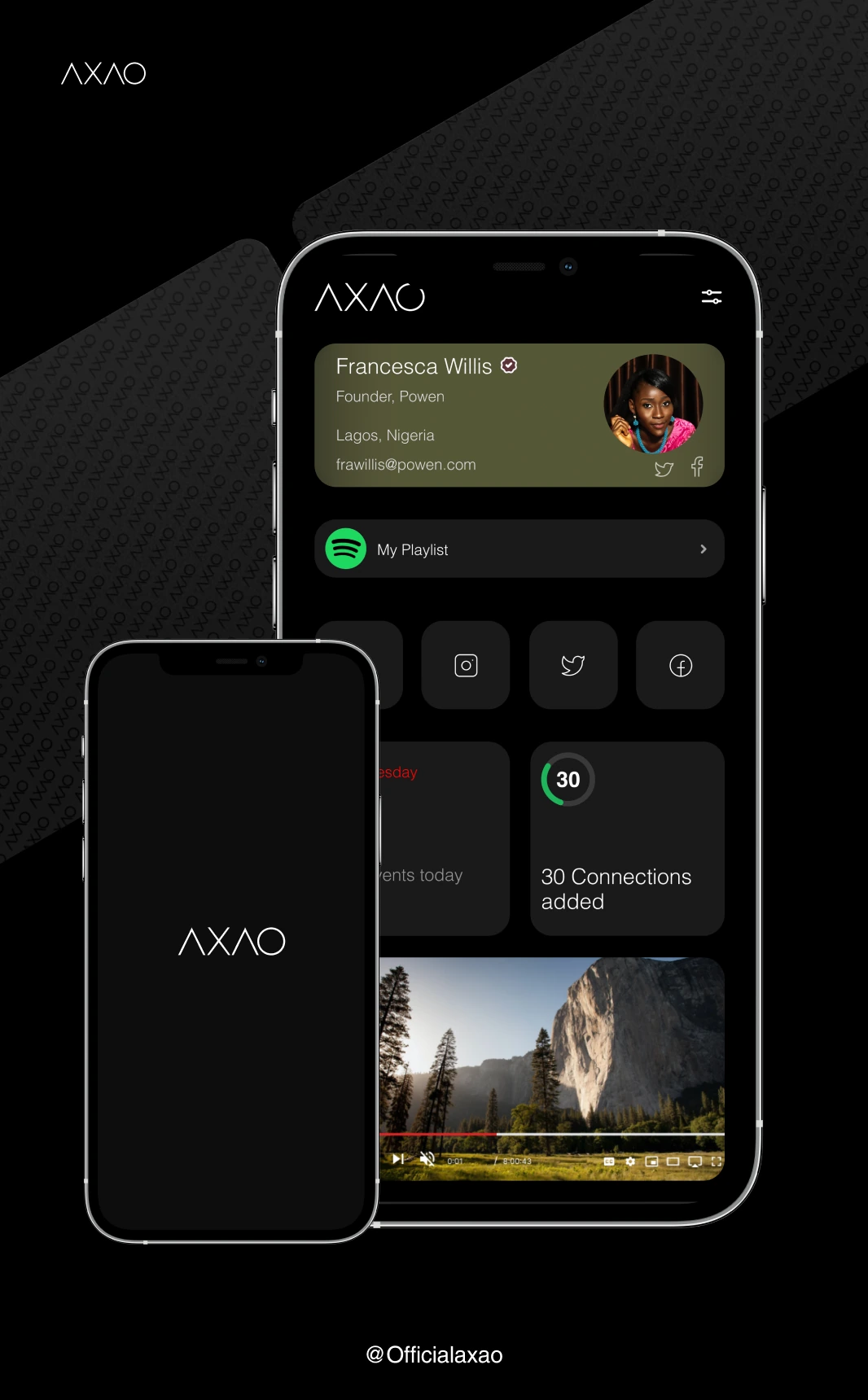
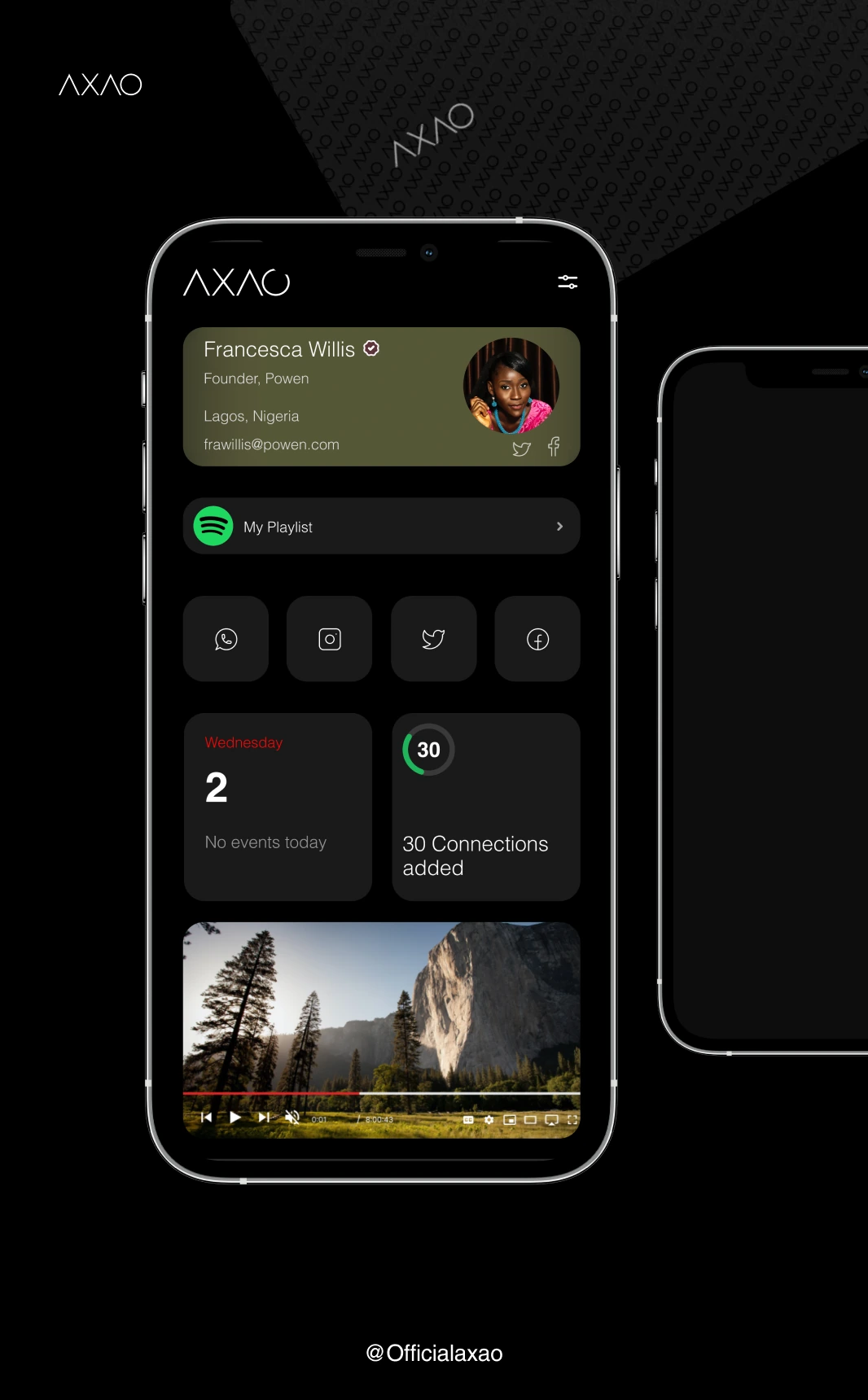
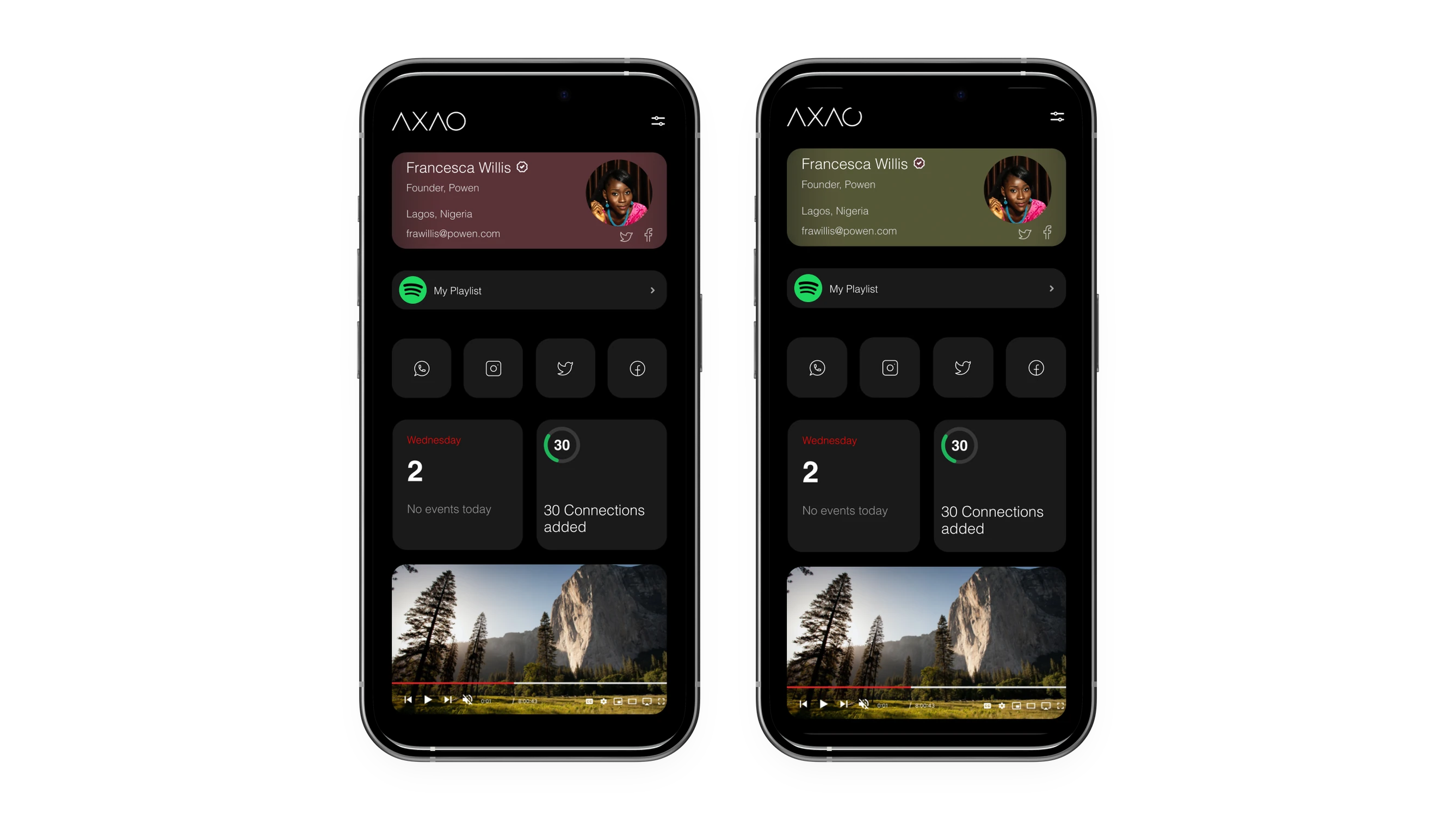
The smart business card is a physical NFC card linked to a profile: one tap or a scan shares a person's contact details, social links and media. The profile app shows that card in several colourways.
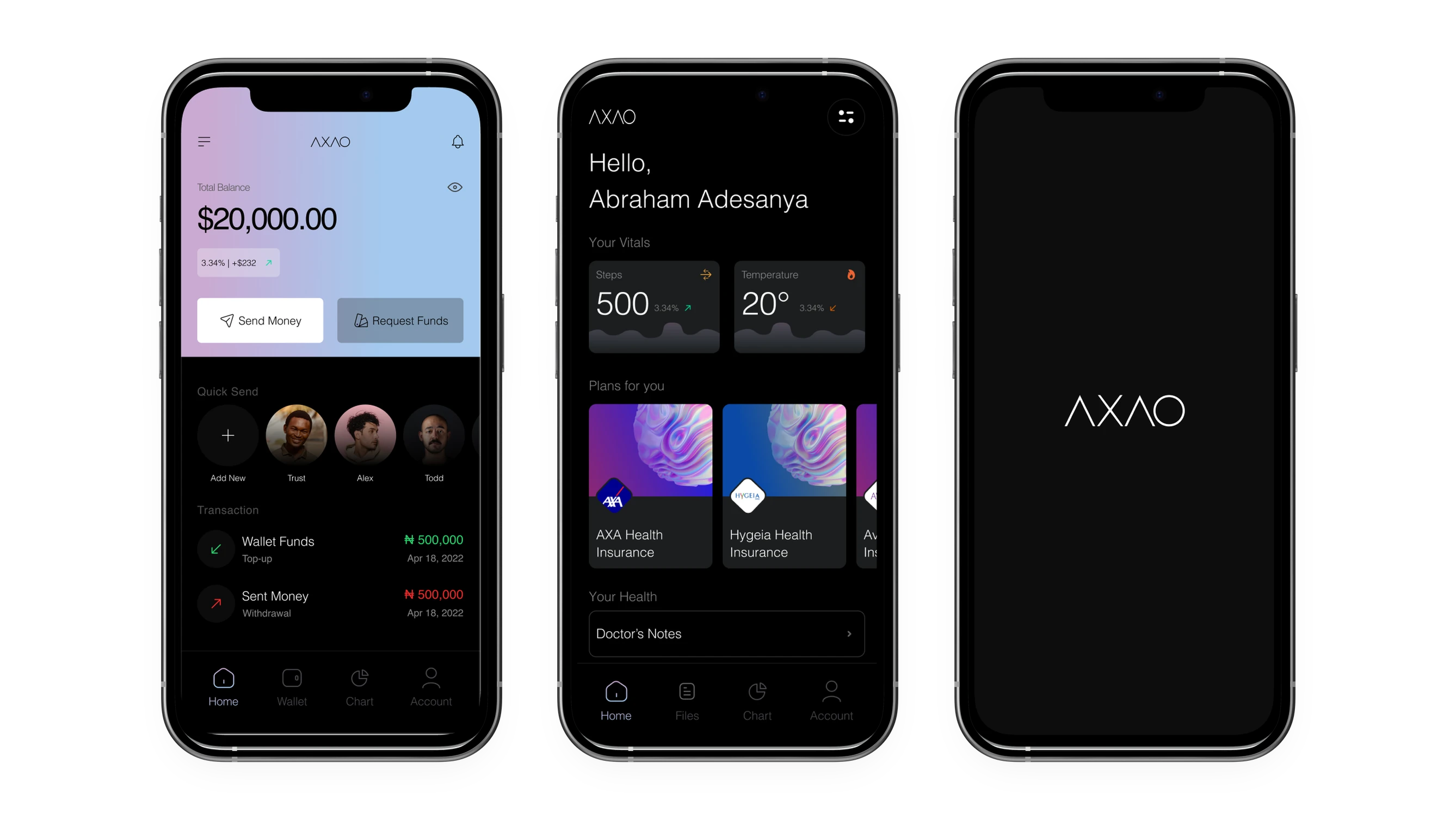
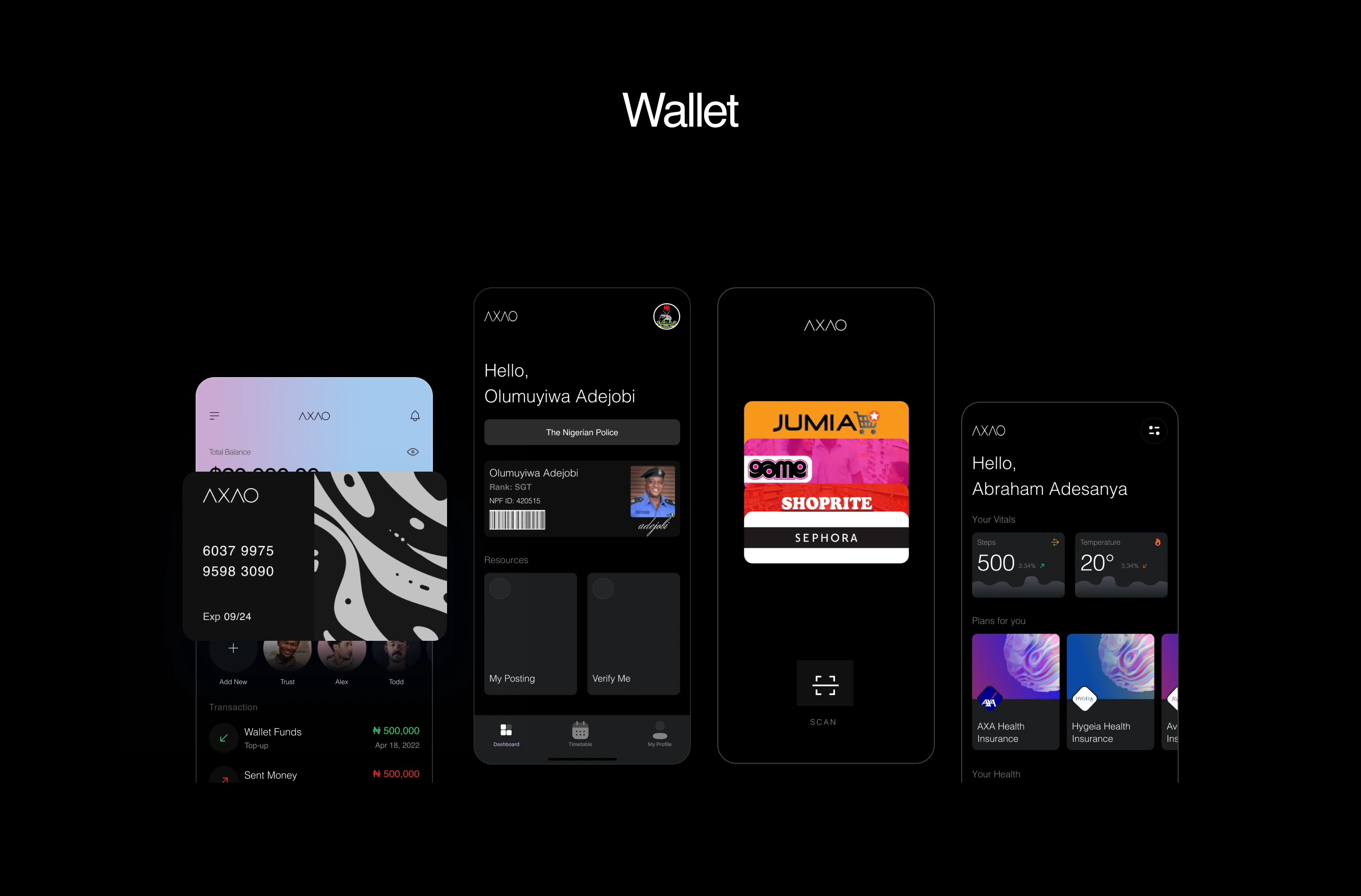
The wallet app extends the idea, holding payment cards, ID and loyalty cards together, with balances, transfers and recent transactions.


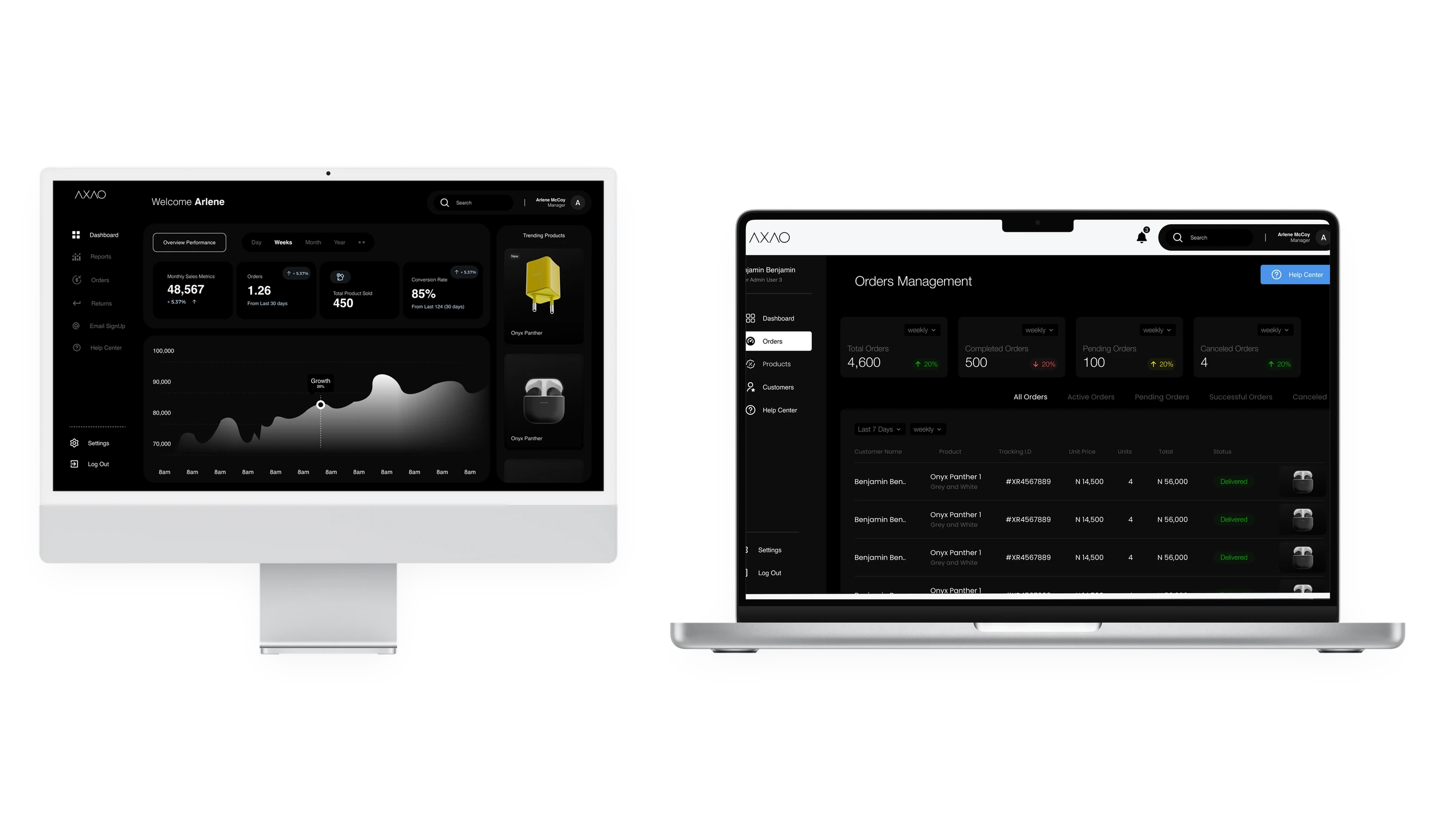
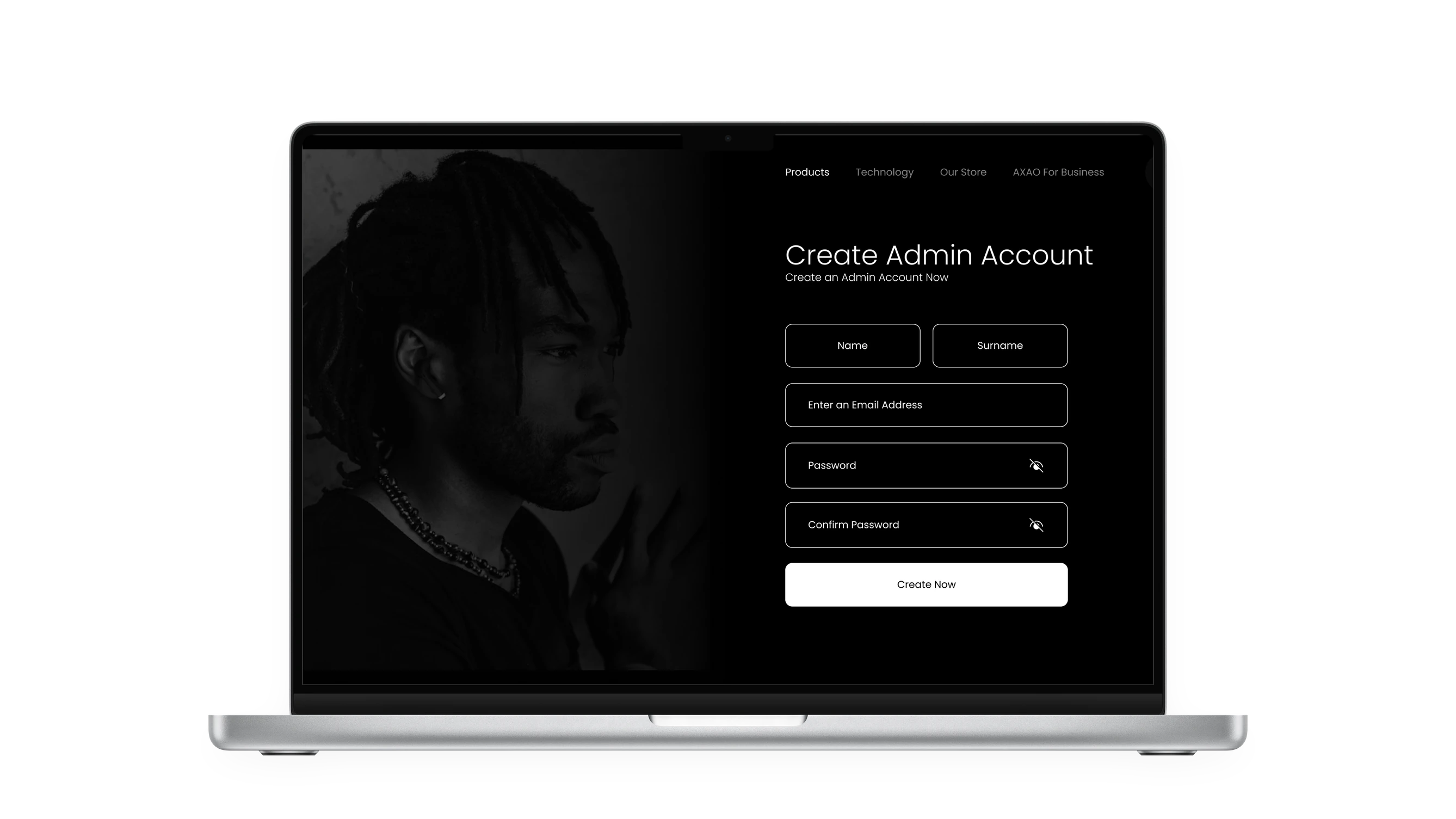
Behind the storefront sits an admin portal for the AXAO team, with sign-in and admin account creation, a sales dashboard, order management with order details, and product management for the catalogue.
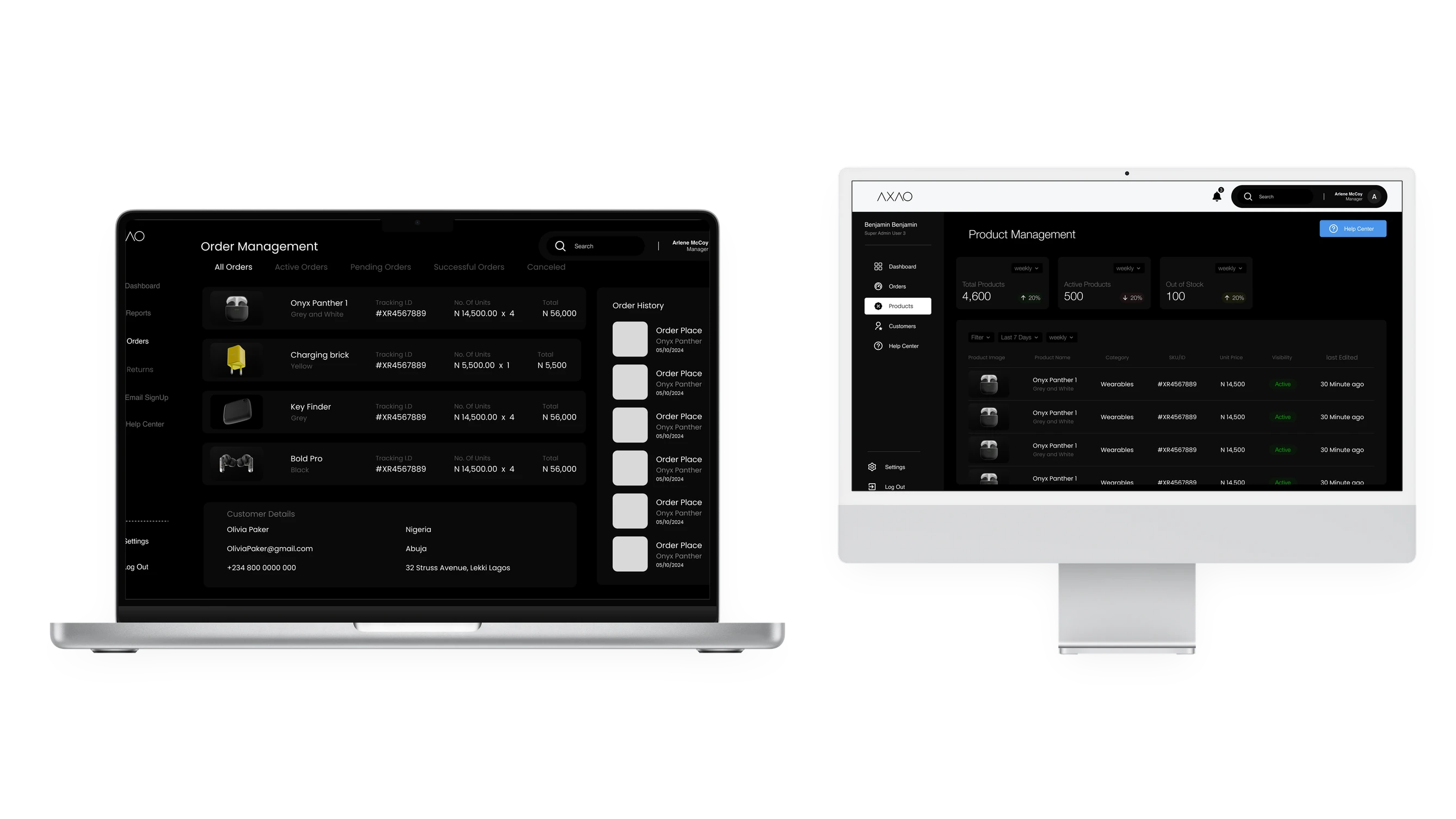
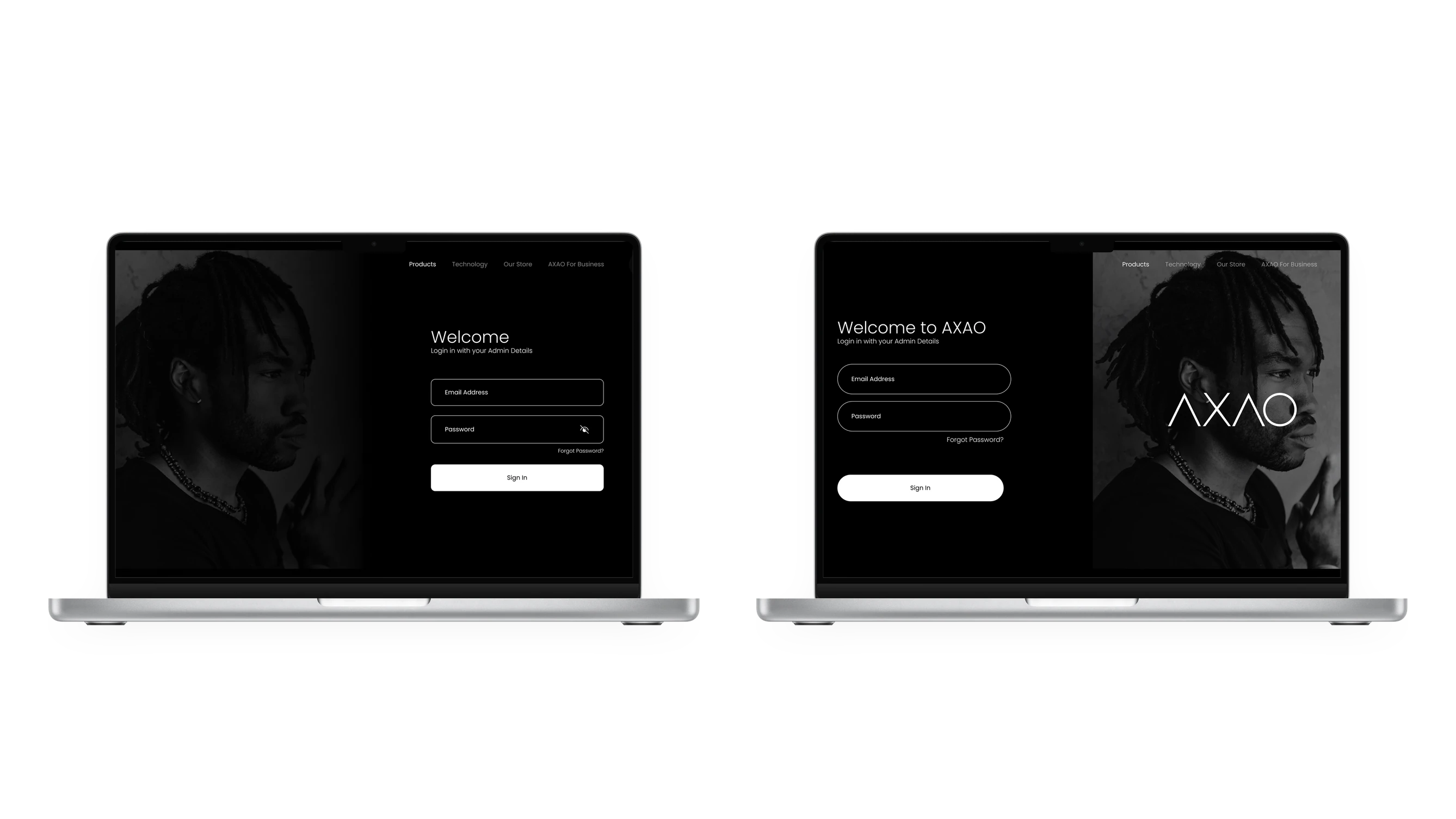
The set covers selling, paying, running orders and using the products after purchase, in one visual language across web and mobile.

A product to build, a role to discuss, or a walkthrough.
Send Me an Email